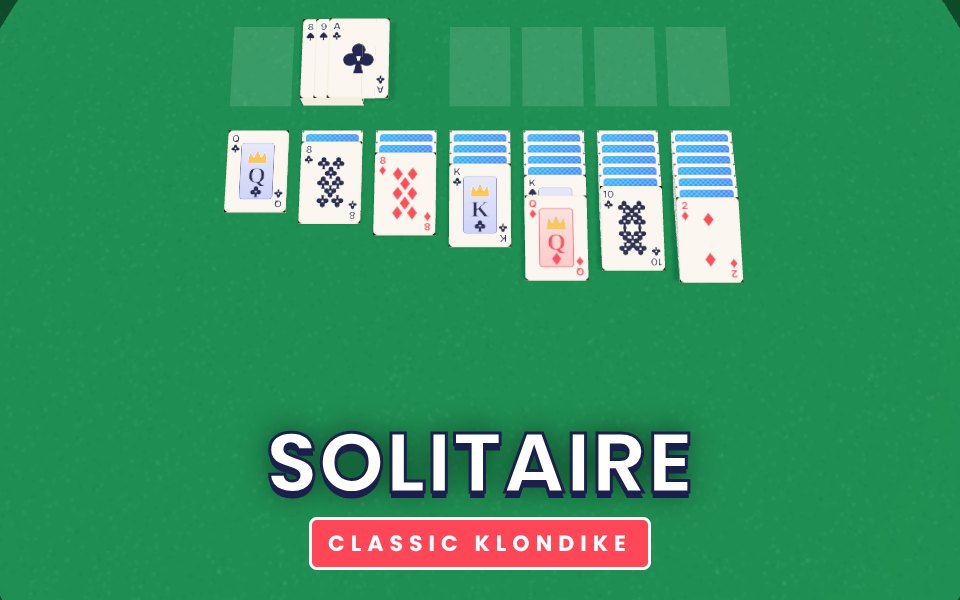
Solitaire is the classic Klondike patience game on a 3D felt table. Build the four foundations from Ace to King in each suit. In the seven tableau columns, stack cards in descending order with alternating colours, move whole runs of cards, and turn over hidden cards as you go. Tap the deck to turn over a new card. Tap any card to send it to the best place automatically, or drag it where you want. Undo is always available, and once every card is face up the game finishes itself.
Open source: this game is based on Solitaire by webguy83 (MIT License). Rebuilt in 3D for Xons Play.
How to play
Tap the deck to turn over a card.
Tap a card to move it automatically, or drag it.
Build the foundations from Ace to King by suit.
In the columns, place cards one lower and of the opposite colour.
Tips
Turn over hidden cards in the columns as early as you can.
Only move a King into an empty column when it frees something useful.
Do not rush cards to the foundations if you still need them in the columns.
The complete Solitaire guide
This is the complete guide to Solitaire on Xons Play: what the game is, how the controls work, a visual walkthrough with real screenshots, strategy from beginner to advanced, the mistakes most players make and how to avoid them. Read it from top to bottom before your first game, or jump to the section you need.
At a glance
Players1 player
GenreCards
Difficulty Easy to learn
Typical session5 to 15 minutes per game
Key skillsPlanning, patience
GoalBeat your best score
Works onPhone, tablet, PC
PriceFree, no download
Visual guide to Solitaire
How a game works, step by step
1
Tap the deck to turn over a card.
2
Tap a card to move it automatically, or drag it.
3
Build the foundations from Ace to King by suit.
4
In the columns, place cards one lower and of the opposite colour.
Controls diagram
Touch screen
Tap works the same as clicking.
Mouse
Tap a cardMove it to the best place
Drag a cardMove it (and the cards on it) where you want
Tap the deckTurn over the next card
UndoTake back a move
Keyboard
No keyboard needed, the mouse or touch does everything.
Controls for Solitaire on phones, tablets and computers.
Why people love Solitaire
Card games are about surprise. In Solitaire the next card can change everything, so no lead is ever completely safe and no position is ever completely lost. That uncertainty is what makes card games so social: everyone stays involved until the last card, and the reactions when the game turns are half the fun. Playing online keeps all of that, while shuffling and dealing happen instantly and the rules are enforced fairly for every player.
The objective
Move all 52 cards to the four foundations, building each one from Ace to King in a single suit.
Background: where Solitaire comes from
Klondike Solitaire is the patience game most people know, and also one of the easiest to play badly. This guide explains the layout, the moves that win games and the moves that quietly lose them.
Controls explained
Device
Input
What it does
Mouse
Tap a card
Move it to the best place
Mouse
Drag a card
Move it (and the cards on it) where you want
Mouse
Tap the deck
Turn over the next card
Mouse
Undo
Take back a move
The controls are the same on every level and in every mode, so once they feel natural you can focus fully on the game. Touch and mouse work identically, so switching between your phone and computer feels natural.
Your first game of Solitaire
Press the Play button under the game title. Solitaire loads in a few seconds and starts in full screen on phones.
Step 1. Tap the deck to turn over a card. Take your time on the first attempt and get a feel for how the game responds.
Step 2. Tap a card to move it automatically, or drag it.
Step 3. Build the foundations from Ace to King by suit.
Step 4. In the columns, place cards one lower and of the opposite colour. That is the whole loop. Every game of Solitaire follows this pattern, with new situations each time.
Remember the objective: Move all 52 cards to the four foundations, building each one from Ace to King in a single suit. Once that is clear, every decision becomes easier, because you can ask whether a move brings you closer to it.
Solitaire strategy
Uncover hidden cards first
Every face-down card is a card you cannot use. Prefer moves that turn one over, especially in the longest columns.
Do not rush to the foundations
Low cards on the foundations are safe, but a 5 or 6 may still be needed in the columns to hold a 4 or 5 of the other colour.
Empty columns are for Kings
Only a King can go in an empty column. Free a column when you have a King ready to move into it.
Go through the deck with a plan
The deck can be turned as often as you like, so note which cards are in it before committing to a long move.
A closer look at Solitaire
The design comes from the open source Solitaire by webguy83 (MIT License), rebuilt in 3D for Xons Play with card faces drawn in code.
Common mistakes and how to fix them
Moving cards just because you can
A move that does not uncover a card or free a column often makes the board harder.
Filling an empty column with the wrong King
Choose the King whose column will free the most hidden cards.
Levels, difficulty and progression
Scoring follows the classic rules: 10 points for each card sent to a foundation, 5 for moving a card from the waste to a column and 5 for turning over a hidden card. A quick win earns a time bonus. We rate Solitaire as easy to learn (2 out of 5), with a typical session of 5 to 15 minutes per game.
What Solitaire trains
In Solitaire the cards are hidden, so information is precious. Good players notice what others draw, what they pass on and which colours they avoid. That attention trains planning, patience. Card games are also deeply social, with moments of surprise and laughter when an action card changes the order of play. Played online with friends, a game of 5 to 15 minutes per game gives the same feeling as a kitchen-table game, even when everyone is in a different city.
How to practise and improve
To improve at Solitaire, slow down for a few games and count. Notice how many cards of each colour have been played and how many action cards are left. Try holding special cards until late in the game and see how often that wins. Play against the computer to learn the rhythm, then against friends to learn how people bluff and react. After each game, think about the card you wish you had kept.
Playing on phone, tablet and computer
You can play Solitaire on almost any modern device. Chrome, Safari, Edge and Firefox all work, on Android, iPhone, iPad, Windows, macOS and Linux. Touch controls appear automatically on phones and tablets, and keyboard shortcuts work on computers. If the game ever feels slow, try closing other tabs or switching to the flat board view where available, which uses less graphics power. Your settings and progress are stored in your browser on this device, so private browsing modes will forget them when you close the window.
Playing alone and sharing scores
Because Solitaire is played alone, it is perfect for short breaks. There is no waiting for other players and no pressure. Set yourself small goals, such as beating your best score or clearing a few more levels than yesterday. If you enjoy competition, compare scores with friends and challenge them to beat yours on their own device.
Goals for every level of player
Beginner
Learn the controls and the objective, and finish a full game of Solitaire without rushing. Turn over hidden cards in the columns as early as you can. Do not worry about winning yet; focus on understanding why things happen.
Intermediate
Start using the first two strategy ideas on this page: uncover hidden cards first and do not rush to the foundations. Try to avoid the common mistakes listed above, and notice when you make them.
Advanced
Combine every idea: empty columns are for kings and go through the deck with a plan. Chase a personal best you thought was out of reach, and think a step further ahead than your opponent.
Accessibility and comfort settings
We have tried to keep Solitaire easy on the eyes and hands. The interface uses clear, large text and strong contrast, colours are never the only way information is shown, and animations stay short. You can mute all sound from the game bar, switch to fullscreen to make the board bigger, and on board games use the flat view for a simple top-down layout. Keyboard and mouse controls are available on computers for players who find touch screens tiring, and there are no time-critical menus.
Tracking your progress
Solitaire remembers your best results on this device, so every session starts where the last one ended. A good habit is to set a target before you play, such as beating your best by ten percent, and to stop after reaching it. If you play on several devices, each keeps its own records. Progress stays private to you: nothing is shared unless you choose to tell friends your score.
Glossary
Foundation
The four piles at the top right, built Ace to King by suit.
Tableau
The seven columns in the middle.
Waste
The face-up pile next to the deck.
Fair play and healthy habits
Good sportsmanship makes Solitaire more fun for everyone. Congratulate opponents on a good game, avoid leaving mid-match, and keep chat friendly. For healthy play, set a time limit before you start, sit comfortably with the screen at eye level and take breaks between sessions. There are no purchases in Solitaire, so success comes only from skill and practice. Families can use the game as shared time together, talking about decisions and celebrating good moves.
If you like Solitaire, try these
Players who enjoy Solitaire often like these games too. Each one is free and runs in the same browser window.
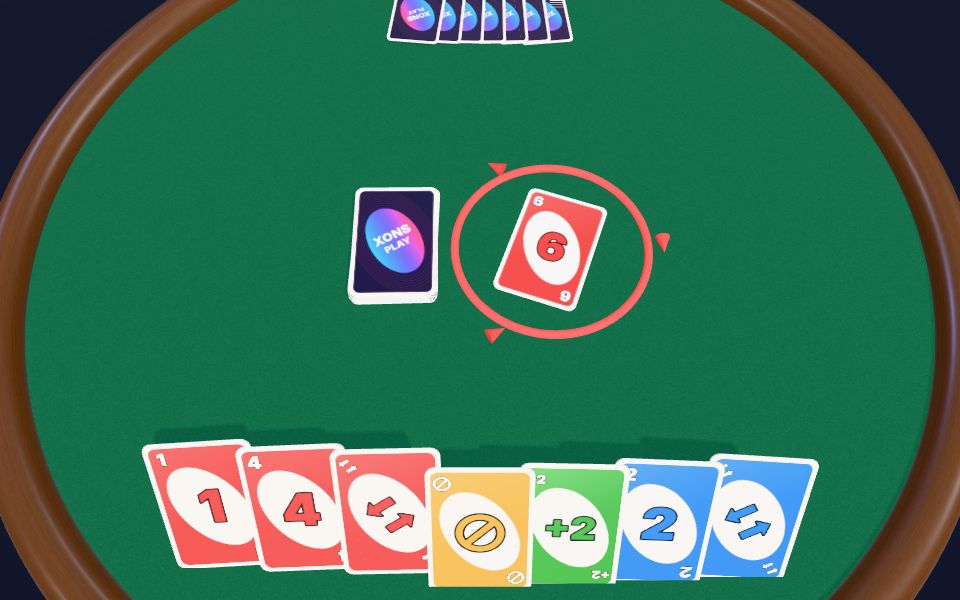
Color Cards: Match colours, stack the action cards and shout "Last card!" before you get caught. It is another card game, so the skills you build in Solitaire carry over.
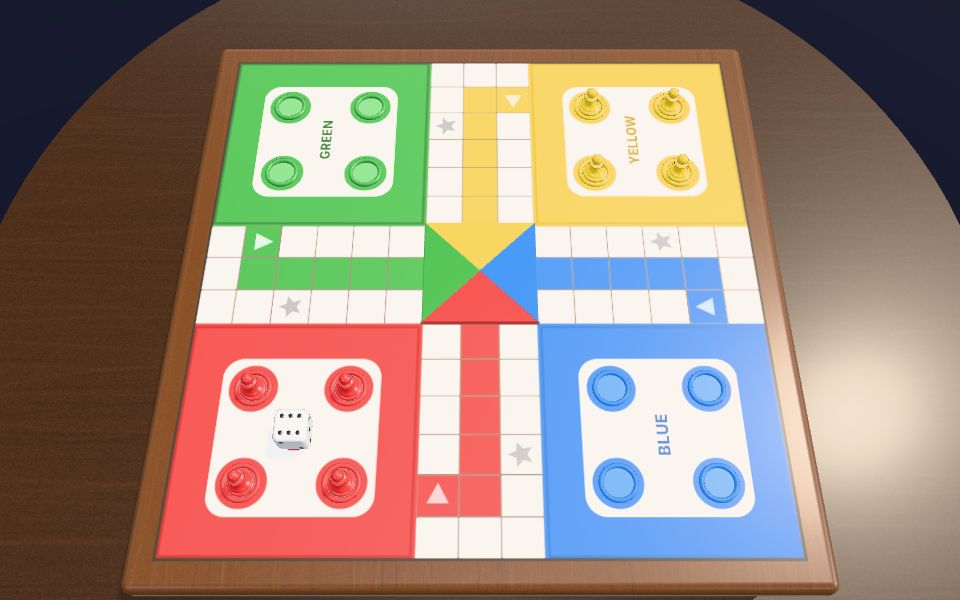
Ludo: The classic dice race, rebuilt in full 3D. Roll, capture and race all four tokens home. It is a board game, a change of pace from Solitaire.
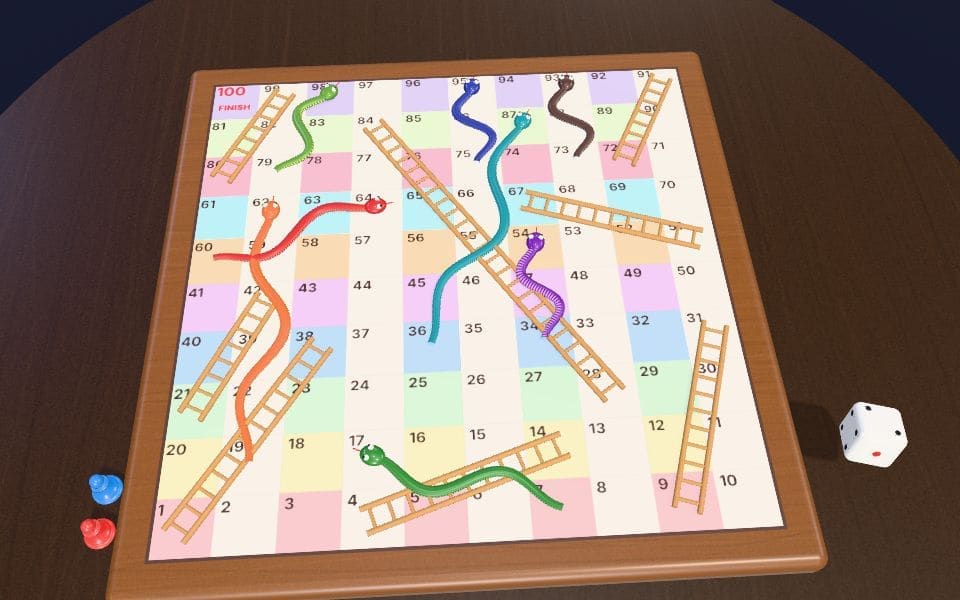
Snake & Ladder: Climb the ladders, dodge the snakes and be the first to reach square 100. It is a board game, a change of pace from Solitaire.
Chess: Detailed 3D pieces, a polished wooden board and complete official rules. It is a board game, a change of pace from Solitaire.
More questions about Solitaire
Is Solitaire free to play?
Yes. Solitaire is completely free on Xons Play, with no download, no account and no in-game purchases. The site is supported by advertising.
How long does a game of Solitaire take?
A typical session lasts 5 to 15 minutes per game. You can stop at any time and your best score stays saved on this device.
Is Solitaire hard?
We rate it easy to learn, 2 out of 5. Most people understand it within a minute.
Can children play Solitaire?
Yes. Solitaire has no violent or adult content. It is a single-player game, so there is no chat with strangers.
Does Solitaire work offline?
The page needs an internet connection to load. Once a game has started, single-player games keep running even if the connection drops briefly.
Solitaire FAQ
Is it draw one or draw three?
Draw one, the friendlier version. You can go through the deck as many times as you like.
Is this open source?
Yes. The game design comes from the open source Solitaire by webguy83 (MIT License), rebuilt in 3D for Xons Play.
We use cookies and similar technologies to keep you signed in to games, measure traffic and show ads (including personalised ads by Google). See our Cookie Policy.